How to Migrate From DaySmart to a Modern Platform
How to migrate from DaySmart Pet to a modern grooming platform without downtime
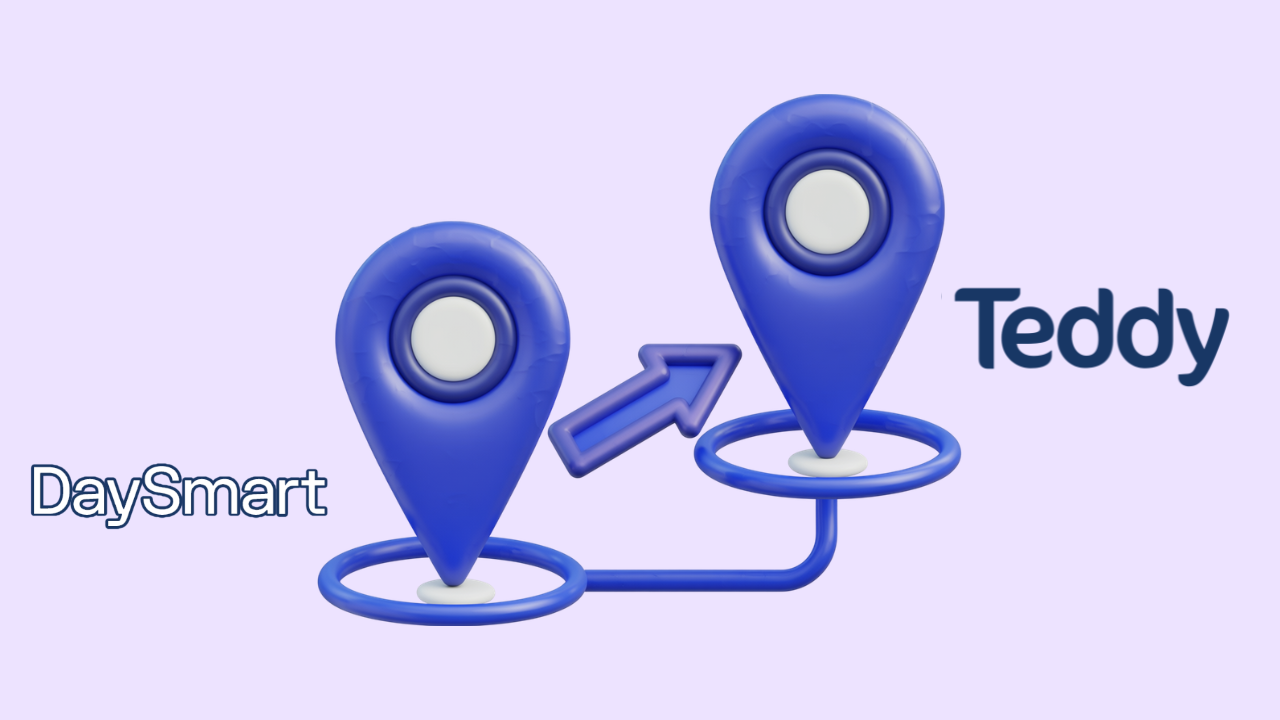
If you've decided to leave DaySmart Pet, the hardest part is usually the fear, not the work. Years of client records, appointment history, and pet notes live in there, and the thought of moving it all feels like packing up a house. It's more manageable than it looks. This guide covers how to migrate from DaySmart to a modern grooming platform cleanly — no lost data, no downtime, no scrambling the week you switch. DaySmart is a capable system, especially for multi-service shops; this is for groomers who've decided a leaner, more modern tool fits them better.
Make sure the move is worth it first
Migration takes effort, so confirm your reasons hold up. Groomers usually leave DaySmart because they don't use its boarding/daycare breadth, they find the interface dated, or two-way texting living on the ~$149 tier makes it pricey for a grooming-only shop. If those match you, proceed. If you're unsure, weigh it with the Teddy vs DaySmart comparison and the DaySmart alternatives first — and read the DaySmart review to be sure you're not leaving strengths you'll miss.
The five-stage migration
Think of it as stages, not a single scary leap. Complete each before starting the next.
Getting your data out of DaySmart
Your client and pet information is structured data, so it moves. Contacts, pet profiles, breed and coat notes, vaccination records, and visit history can typically be exported — if it isn't self-serve, request a full export from DaySmart's support. Then clean before you import: this is your chance to merge duplicate pet entries and drop the clients who moved away two years ago. A smaller, accurate database beats a bloated one, and it's the perfect moment to read how to organize your grooming client management so you set the new system up right.
Rebuild, don't just copy
When you recreate your service menu in the new platform, treat it as a refresh rather than a photocopy. Update stale prices, retire services nobody books, and rebuild intake forms and waivers as proper digital forms instead of re-uploading old PDFs. Your new CRM — for example Teddy's client and pet CRM — is where the imported records land, so get its structure right before the data goes in.
Time it, then tell clients
Pick your slowest week, set up the new tool fully while DaySmart still runs, and keep both live briefly so nothing slips. Honor already-booked DaySmart appointments until they clear while entering new bookings into the new platform from a start date. Once a complete cycle has run cleanly, cancel DaySmart. Then send clients a short, warm note: "We've upgraded our booking and texting — here's your new link." Frame it as an improvement for them, point them at your new booking page, and you're done.
A note if you're a multi-service shop
One caution specific to leaving DaySmart: if you use its boarding, daycare, or retail features, don't migrate to a grooming-only tool assuming you'll "figure out the rest later." You won't — those capabilities simply won't exist. Before you move, list every DaySmart feature your business actually depends on and confirm your destination covers them. If boarding is core, your realistic alternatives are other multi-service platforms, not grooming apps. If you've quietly stopped using the non-grooming modules, then a lean grooming tool is a clean fit and you'll shed cost and complexity you no longer need. The migration only goes smoothly when the destination matches the services you truly run.
Keep a safety copy
Before you cancel DaySmart, hold onto your exported data file somewhere safe — a backup drive or cloud folder — even after the new system is running. It costs nothing and means that if you ever spot a gap in the imported records months later, you have the original to check against. Access to your old account usually ends when you stop paying, so that export is your only lasting copy of years of history. Treat it like the valuable asset it is: download the full file, confirm it opens and looks complete, and keep it archived. It's the cheap insurance that turns "did everything come over?" from a worry into a two-minute lookup.
Frequently Asked Questions
How do I migrate from DaySmart without losing data?
Export your full client, pet, and history data from DaySmart, clean and dedupe it, rebuild your services and forms in the new platform, then import the cleaned records before cutting over. Run both tools briefly in parallel and cancel DaySmart only after a complete booking cycle runs cleanly. That order protects your history.
Can I export my data from DaySmart Pet?
Client and pet records are structured data that can generally be exported, though you may need to request a full export from DaySmart's support rather than downloading it yourself. Ask for a complete file covering contacts, pet profiles, vaccination records, and visit history before rebuilding elsewhere.
Will switching from DaySmart cause downtime?
Not if you overlap the two systems. Set up the new platform fully while DaySmart still runs, honor existing DaySmart bookings until they clear, and only cancel once a full cycle works in the new tool. Timing the switch for a slow week removes almost all the risk.
How long does it take to switch from DaySmart?
For a solo or small shop, the hands-on work is usually a few focused sessions — exporting, cleaning, rebuilding, and importing — spread across a quiet week. A short parallel-run period adds a little time but ensures nothing falls through the cracks.
How do I tell clients I've changed software?
Keep it brief and positive. The only thing clients notice is new booking links and reminder texts, so a short message framing it as an upgrade to easier booking and faster replies is enough. Include the new booking link and invite them to reply with questions.
Leaving DaySmart is a staged checklist, not a gamble. Export cleanly, tidy your data on the way, rebuild rather than copy, and cut over in a quiet week — and if your reason for leaving is dated design or texting cost, a modern flat-rate tool like Teddy is built to fix exactly that.



























































.avif)