8 Best Dog Grooming Scheduling Apps for 2026
The best dog grooming scheduling apps for 2026, compared on booking style, reminders, and price
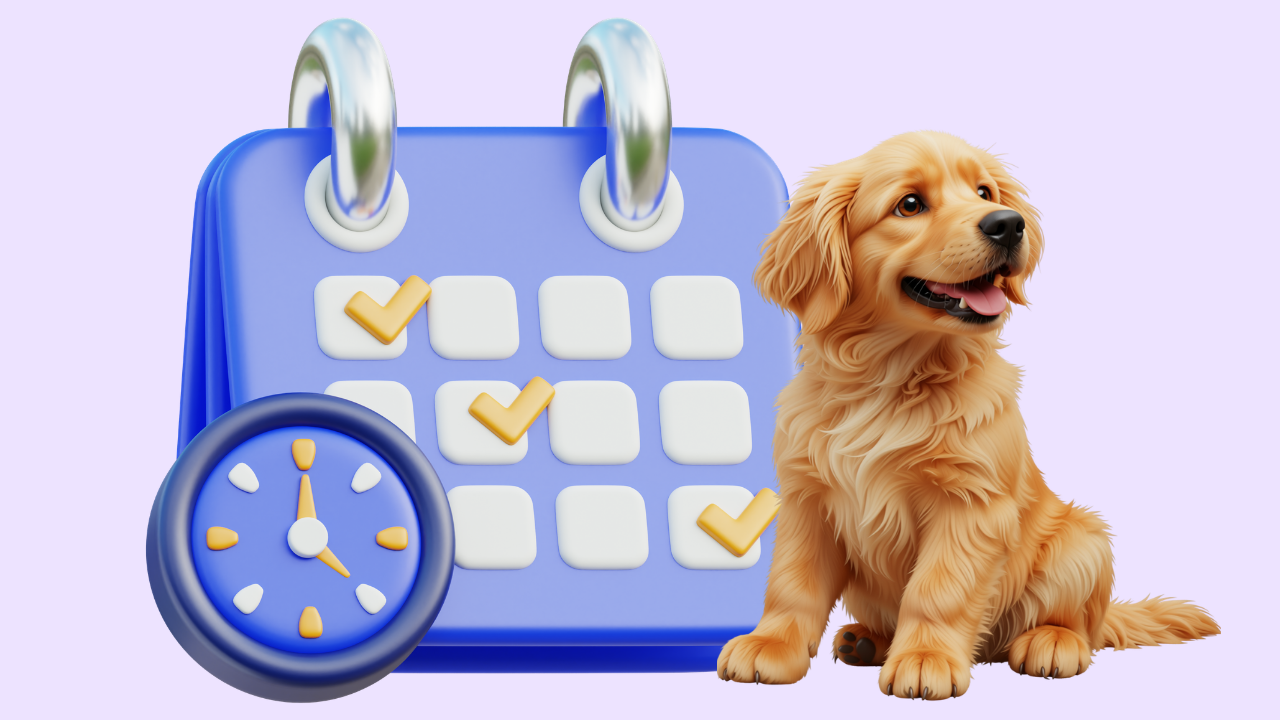
Your calendar is the heartbeat of a grooming business. When scheduling is smooth, the day flows; when it's a mess of double-bookings and missed calls, everything downstream suffers. The right dog grooming scheduling app does more than show appointments — it lets clients book themselves, fires reminders that cut no-shows, and keeps your day from turning into phone tag. Here are eight worth considering in 2026, sorted by what kind of shop each suits.
What separates a grooming app from a generic calendar
Before the list, one distinction. A generic booking app can slot appointments, but a grooming-specific tool understands pets: breed and coat notes, service durations that vary by dog, vaccination records, and reminders built for the way groomers work. For anything past a bare-bones solo setup, the grooming-specific tools earn their keep. The two features that matter most are the booking style — open calendar versus request-based — and the reminder system.
The eight apps, compared
The picks that stand out
Teddy — best for control-minded groomers
Teddy's request-based booking is the differentiator here. Instead of an open calendar where anyone can grab any slot, clients request a time and you approve it — so you keep control of your day and never get a stranger dropped into your lunch break. Pair that with calendar and scheduling tools and unlimited two-way texting for reminders, and it's a strong fit for solo and small teams who want to protect their book.
MoeGo — best smart scheduling for mobile
MoeGo's scheduling shines on the road with routing baked in. The reminder caps are the thing to watch if you text heavily.
DaySmart Pet — best for real-time calendar booking
If you want clients booking live slots and you run multiple services, DaySmart's calendar is mature — just remember text reminders lean on higher tiers.
Square Appointments & Setmore — cheapest, simplest
Free tiers make these tempting for a brand-new solo groomer, but they're not grooming-specific: no pet profiles, no grooming intake, no breed-aware durations. Fine as a stopgap, thin as a long-term home.
How to pick
Decide on booking style first. If you want to keep control and approve appointments, request-based (Teddy) fits. If you're happy letting clients grab live slots, an open-calendar tool works. Then weight reminders by how much you rely on texts. Compare the full field in the best dog grooming scheduling apps roundup, dig into booking specifically in grooming software with online booking, and if you're mobile, check the best mobile grooming software.
The scheduling features that actually save you time
A calendar that just shows appointments is table stakes. The features that genuinely lighten your load are the ones working while you're elbow-deep in a dog:
- Automated reminders that go out without you touching them — the single biggest lever on no-shows.
- Two-way replies so a client's "can we move it?" becomes a saved slot instead of a missed call.
- A waitlist that back-fills cancellations automatically, turning empty slots back into revenue.
- Deposit collection at booking, which quietly filters out the flakiest bookers before they ever hit your calendar.
- Buffer and service-duration settings so a matted doodle automatically blocks more time than a bath-and-brush.
Set it up right, then leave it alone
The best scheduling app is worthless if you never turn its features on. When you adopt one, spend an afternoon configuring it properly: set your real service durations, switch reminders on, connect your booking link to your Google Business Profile and social profiles, and write your confirmation and reminder message templates once. Then let it run. The goal is a calendar that fills and confirms itself so you can keep your hands on dogs instead of a phone. Groomers who treat scheduling software as "set up once, benefit daily" get far more from it than those who install it and keep booking by phone out of habit.
Frequently Asked Questions
What's the best dog grooming scheduling app in 2026?
It depends on your shop. Teddy suits groomers who want request-based booking and unlimited text reminders, MoeGo suits mobile with smart routing, and DaySmart suits multi-service shops wanting a real-time calendar. For the simplest solo start, Square or Setmore work but lack grooming-specific features.
What's the difference between open and request-based booking?
Open-calendar booking lets clients grab any available slot instantly, while request-based booking has them request a time that you approve. Request-based keeps you in control of your day and prevents awkward or ill-fitting bookings, which many solo groomers prefer; open booking is faster for the client but gives you less control.
Can I use a free scheduling app for dog grooming?
Free tools like Square Appointments and Setmore can handle basic booking at no cost, but they aren't built for grooming — no pet profiles, grooming intake, or breed-aware service durations. They're fine as a stopgap for a new solo groomer, but most shops outgrow them quickly.
Do grooming scheduling apps send appointment reminders?
Most do, but how they handle texting varies a lot. Teddy includes unlimited two-way texting, MoeGo caps texts by tier, and DaySmart bundles two-way messaging on higher tiers. Since text reminders are the biggest lever on no-shows, check each app's messaging limits closely.
Which scheduling app is best for a mobile groomer?
MoeGo is popular with mobile groomers for its route optimization, and Teddy works well too with unlimited texting for on-the-road updates. Choose based on whether efficient stop routing or unlimited client messaging matters more to your day.
Your scheduling app quietly shapes every workday, so choose for how you want to run — control and unlimited texting with Teddy, routing with MoeGo, or a real-time calendar with DaySmart. Whatever you pick, turn reminders on from day one; that single setting does the most to keep your calendar full.



























































.avif)